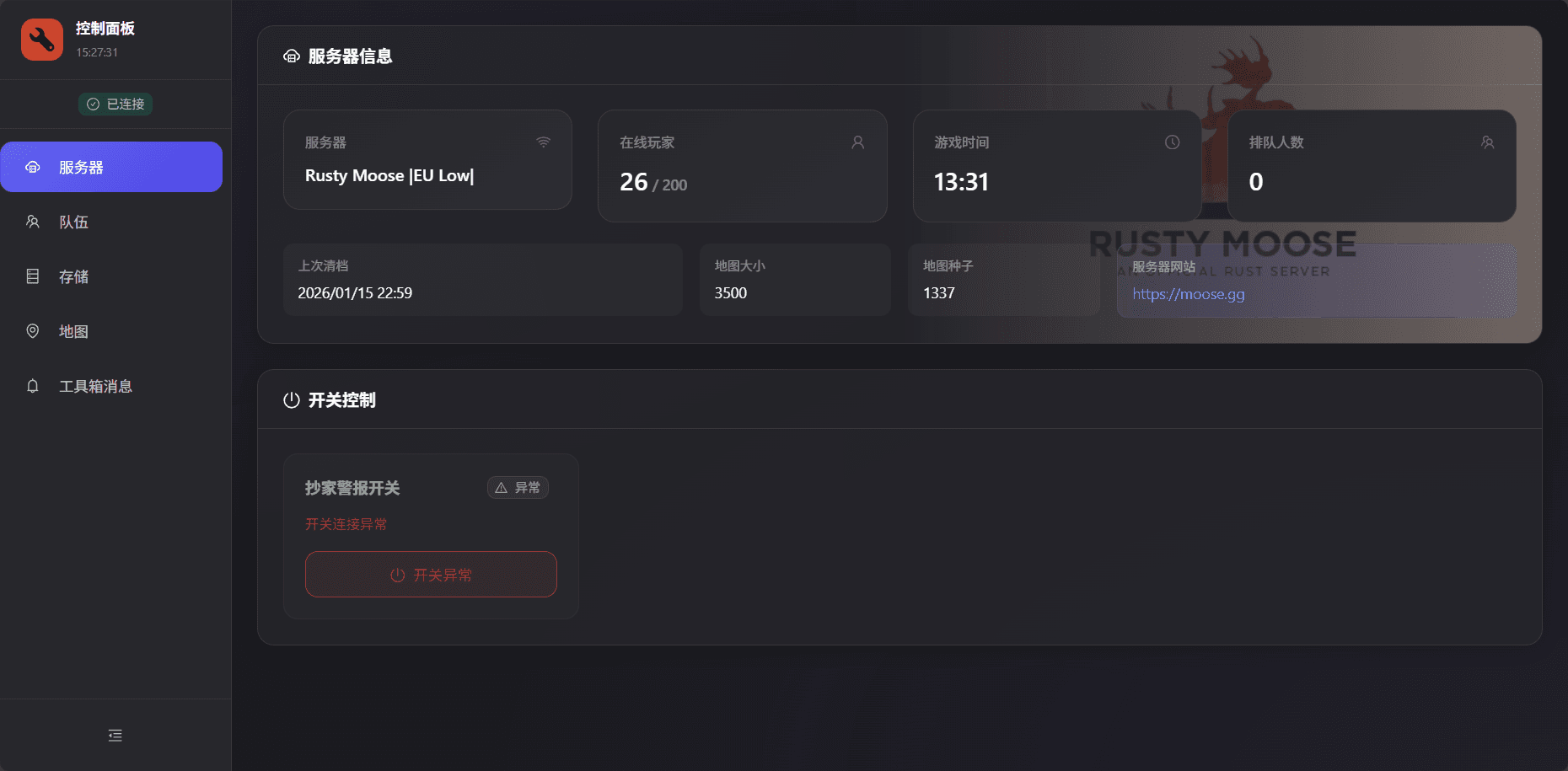
Share your dashboard with teammates
Prerequisite
You can only do this after completing Steam pairing.
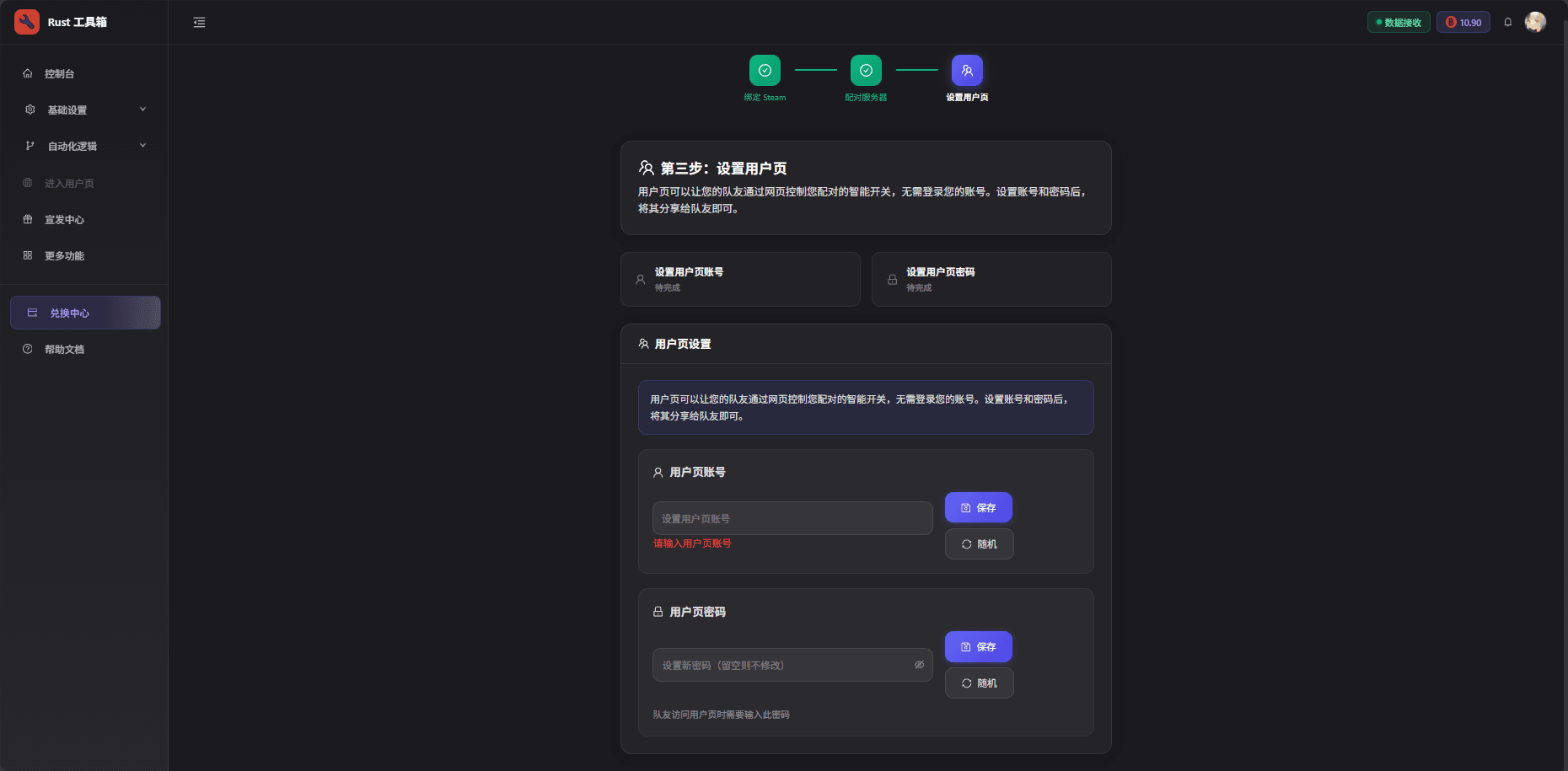
Step 1: Configure access credentials for the shared page
After pairing, you’ll be guided to this step automatically. Fill in the required information and click Save.
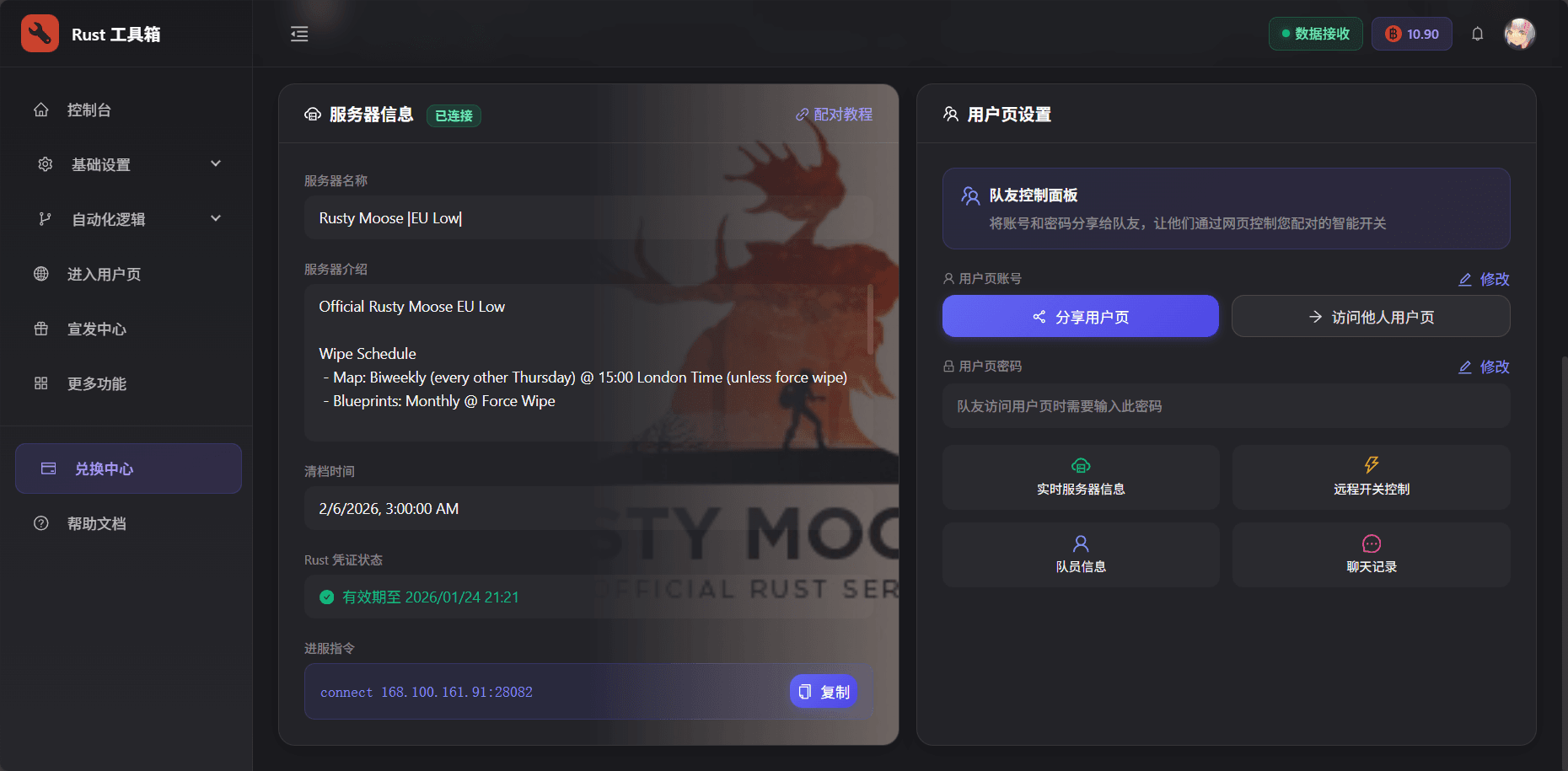
Need to edit later?
On the dashboard page, there is a User page editor button at the bottom. You can edit settings there and copy the link to share with your teammates.
Security tips
- Use a strong password with letters, numbers, and special characters
- Avoid weak passwords like
123456 - Change your password regularly to stay safe
Step 2: Teammates access the management page
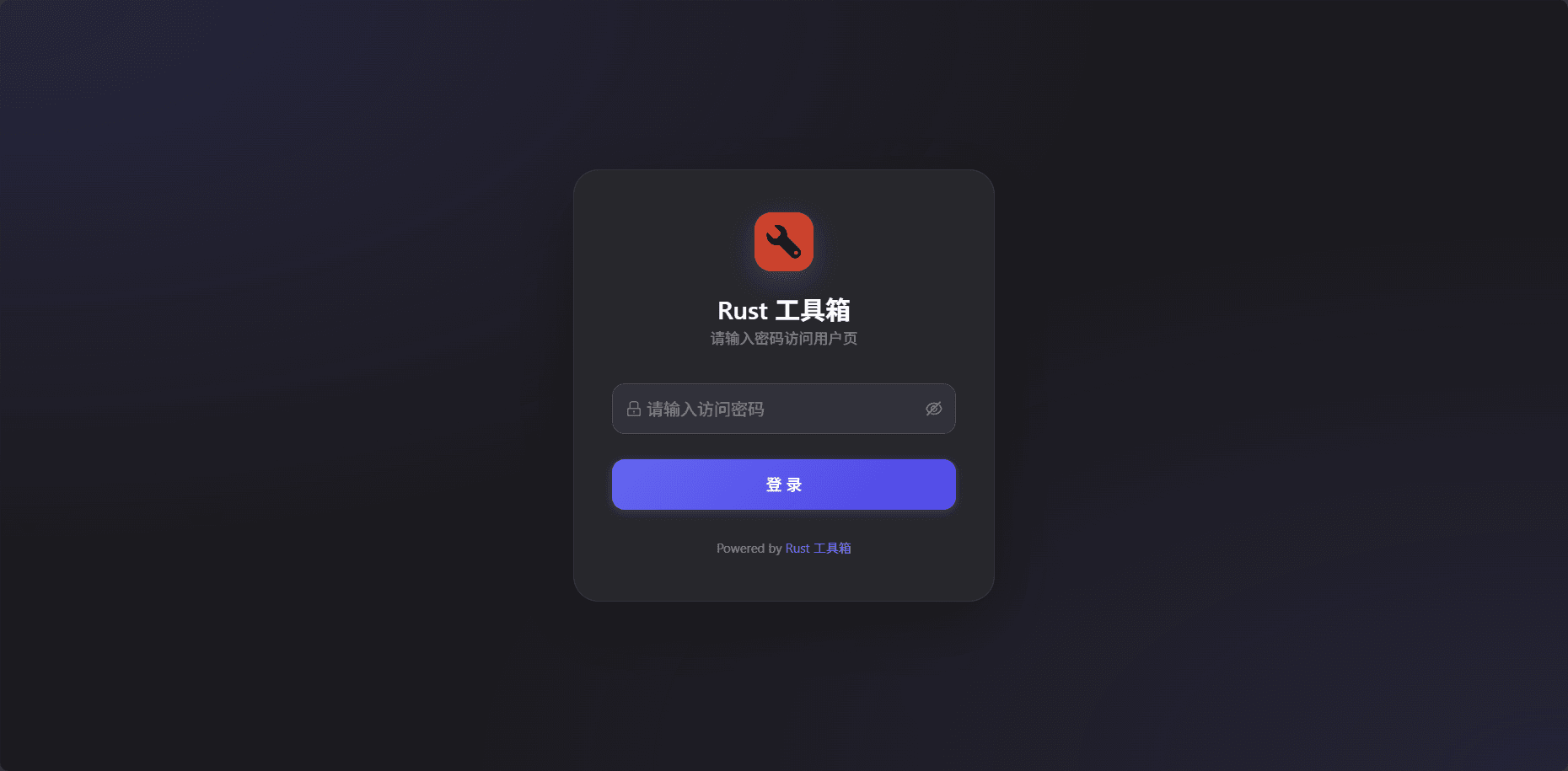
Enter password
Teammates must enter the password you set to access the page.
Access granted
After entering the correct password, your teammates can see your dashboard and control devices.