Steam pairing guide
We currently support pairing Steam using these browsers:
If you already have one of them installed, you can ignore this.
During pairing, please enable your Steam accelerator (if you need one), otherwise Steam login may fail.
Step 1: Install the browser extension
You need to install the extension to obtain Rust credentials. We support Chrome, Firefox, and Edge.
We couldn’t detect your browser type. Please choose your browser:
Other browser downloads
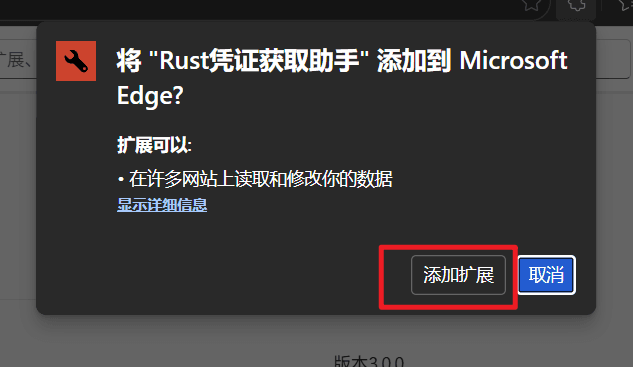
Click “Get” in the store

Confirm “Add extension”
Before continuing, make sure you have:
- Signed up
- Logged in
If not, go back to the sign-up & login guide.
Step 2: Pair with Steam
Protecting your Steam account is our commitment
- The login happens on Steam’s official pages—you authenticate directly with Steam
- The extension is only used to (after you authorize) securely receive a temporary
auth.Tokengenerated by Rust and issued via Steam - This token is only used to complete the game-server pairing; it does not grant account access by itself
- Your login credentials are handled by Steam end-to-end; we do not have access to them
Step 2.1: Open the Rust+ pairing page
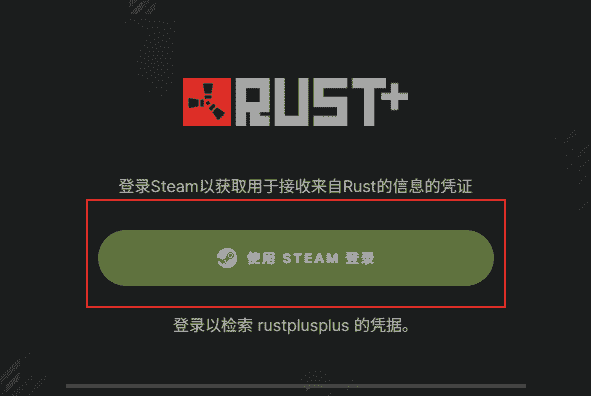
After the extension is installed, open the Rust+ pairing page.
Then follow the instructions and click Sign in through Steam.
Step 2.2: Sign in to Steam
Click to sign in. If this is not your game account, switch your Steam account here first.
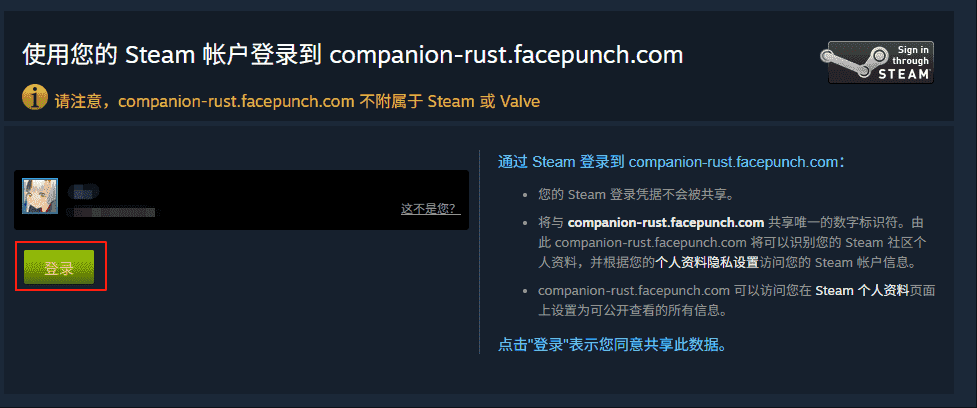
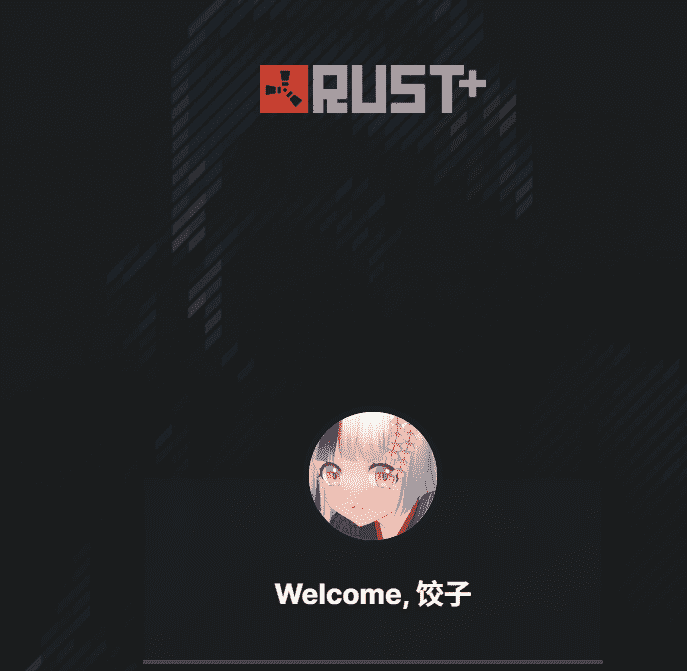
After you finish, you’ll briefly see a welcome page and then be redirected to the token page.
Step 2.3: Finish pairing
After redirecting successfully, click Go to dashboard and set token automatically.
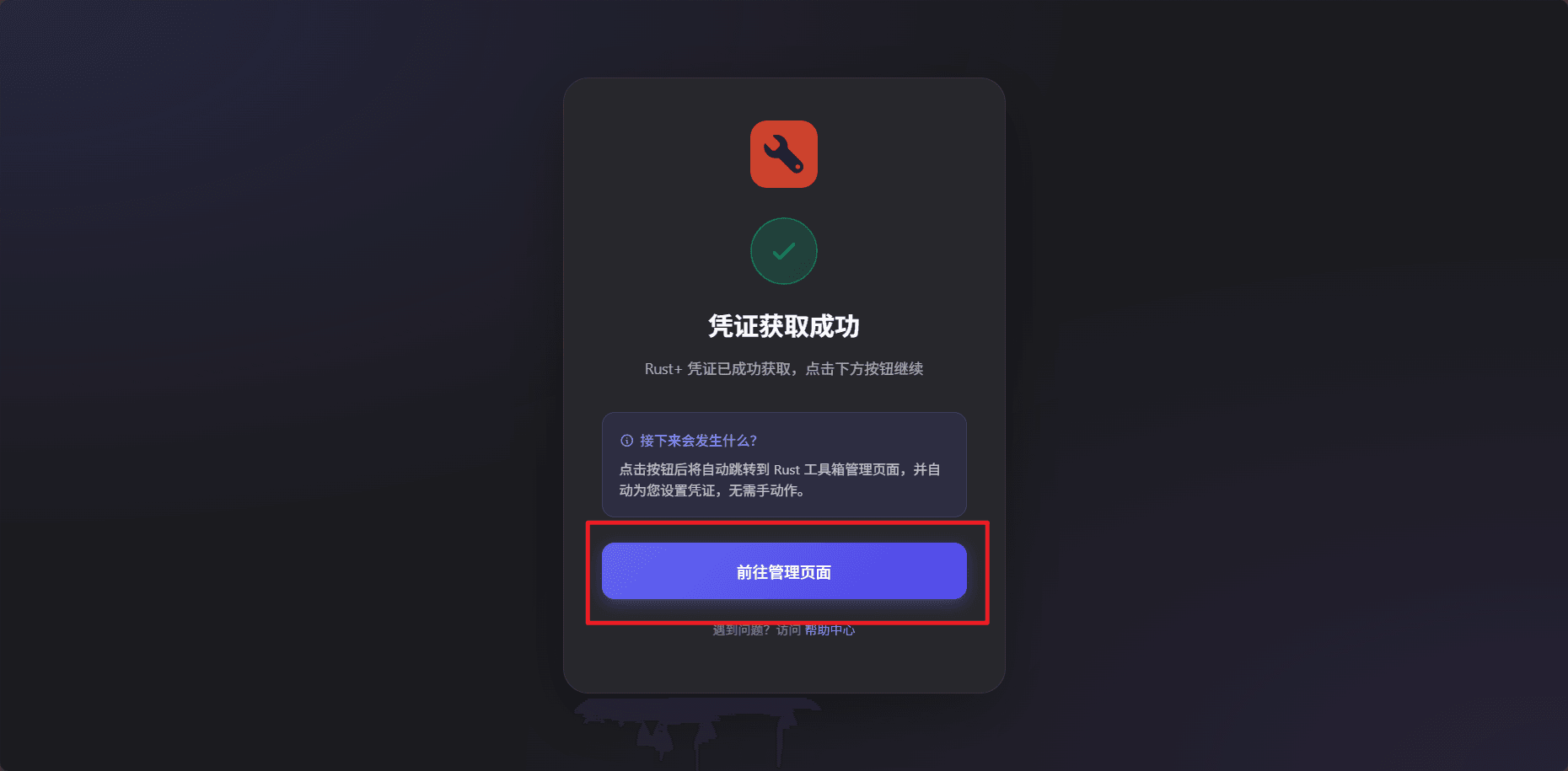
Congrats! You’ve successfully bound Steam to Rust Toolbox.